
Sending a test message via the Zetafax SMTP server
To send a test message via the Zetafax SMTP server
•Launch your email client program.
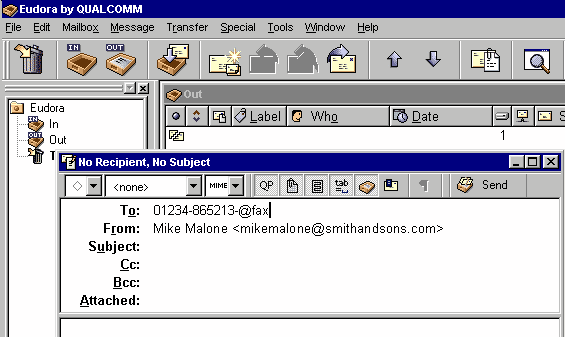
•Create a new message.
•In the To: field, enter a fax number followed by @fax.
For example: 01234-865213@fax
•In the Subject and body fields, enter some text.
•Send the message.
After a short period, you should receive a message confirming that the fax was successfully sent.